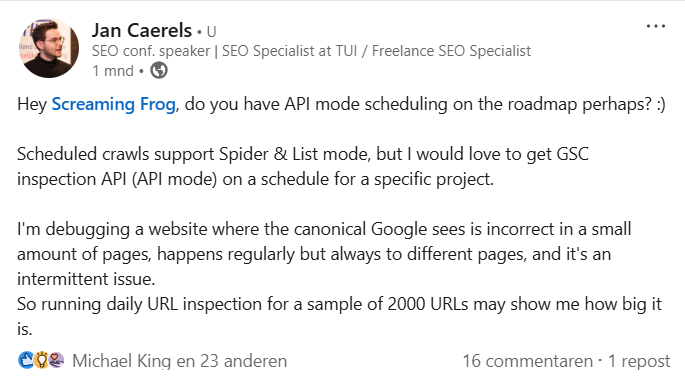
A while ago I asked the fantastic team behind Screaming Frog a question. I basically wanted to use their Scheduling feature for the API mode, which isn’t possible. Scheduling only supports Spider & List modes.
I will explain in more detail below.
What I wanted to do
I had a client with an intermittent technical SEO problem. The website had about 100K+ detail pages in 12 languages where the canonical tag would be wrong in a very small set of cases. We didn’t know what caused it because we couldn’t reproduce it ourselves. All we had was a couple of examples we found by manually inspecting URLs in GSC. There was no pattern, it appeared to be random. On top of that, the problem seemed to be intermittent so sometimes the canonical on the page was actually correct.
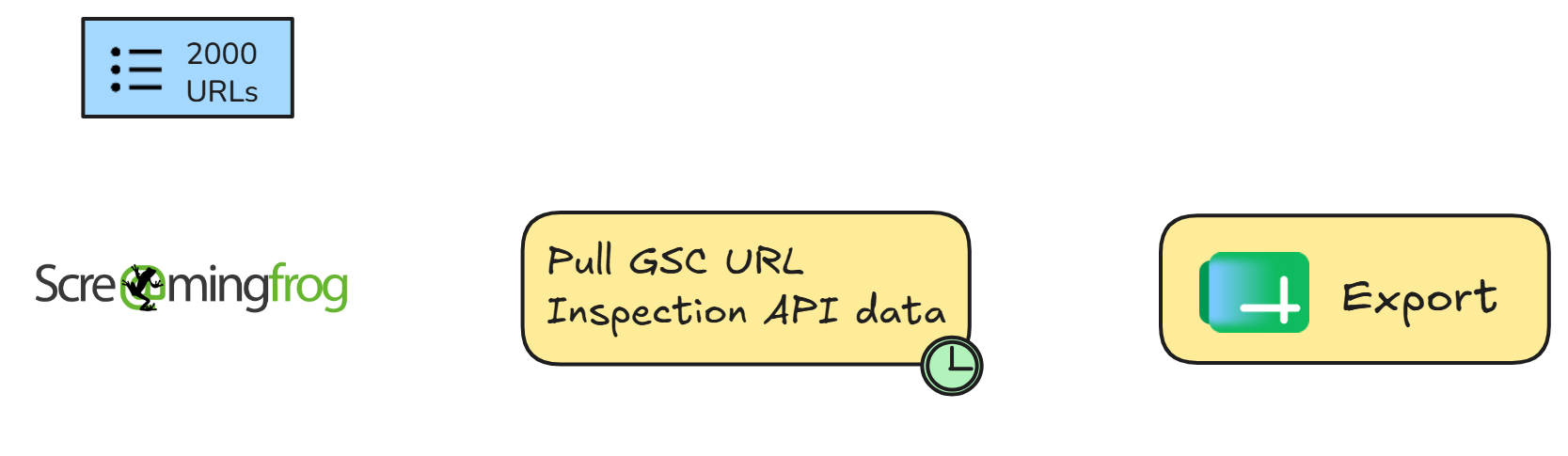
I decided I would take a sample of 2000 URLs and perform a URL inspection for each via the GSC API – every day. That would allow me to get good data on how often and where it occured.
GSC API requests and scheduling, sounds like Screaming Frog
I know you can use Claude Code for this as well, but I like to go old school. And also, why use AI if you don’t need to?
So I turned to Screaming Frog to see if I could schedule GSC URL Inspection API requests.
It’s basically combining two existing SF features:
- Scheduling
- API mode
Scheduling
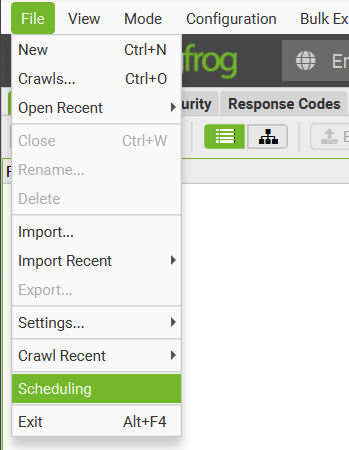
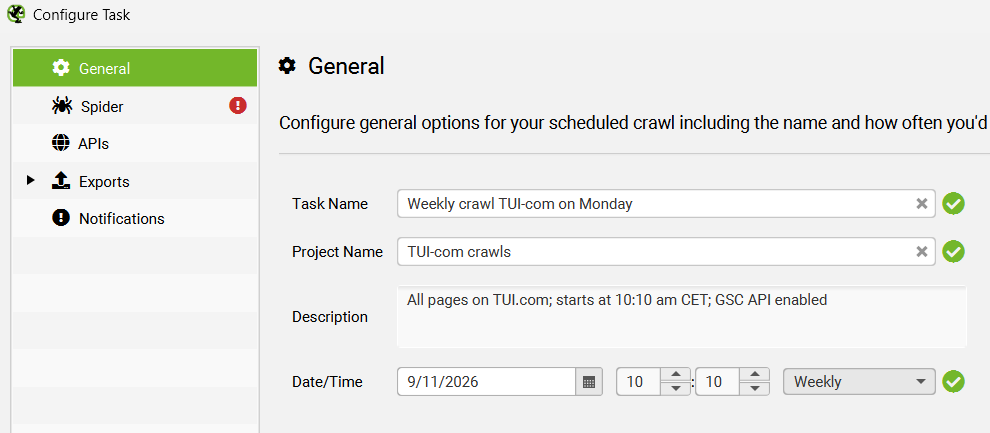
Ever since version 10.0 back in 2018 (now v25.0 in Nov 2026) you can create scheduled crawls that run at a preselected frequency. For example you can create daily or weekly crawls. It runs headless, so as long as your PC is running, you can just have a preset crawl every Tuesday at 9:00 am in the background.
The APIs mode
Now, if you’re a power user of Screaming Frog SEO Spider like me, you will be familiar with its different modes.
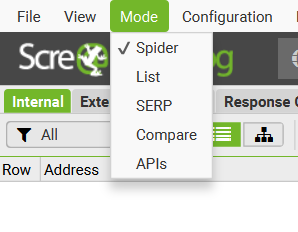
The most used are Spider and List mode, they will crawl your website either from a start URL (Spider) or crawl a list (List).
APIs mode however allows you to pull API data for a list of URLs – without having to crawl them (which wastes time & bandwidth). Example APIs are:
- Google Search Console (Performance and URL inspection)
- Google Analytics 4 (sessions, views, conversions, ecommerce purchases)
- Pagespeed Insights
- AI (ChatGPT, Gemini, etc.) to run prompts on your URL data
The problem
Scheduling is limited to Spider and List mode (at least in v25).
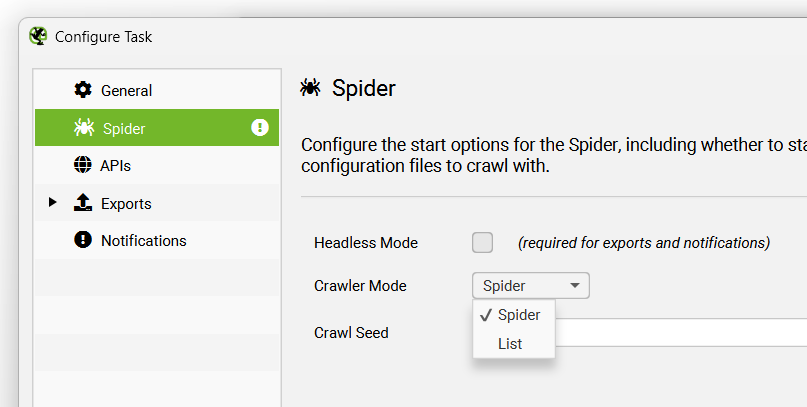
It does not support the API mode. So if you want to run API requests on a schedule, you can’t.
Unless… You run it from the Spider or List mode, but then you have to crawl every url, which is a lot of wasted bandwidth.
The solution
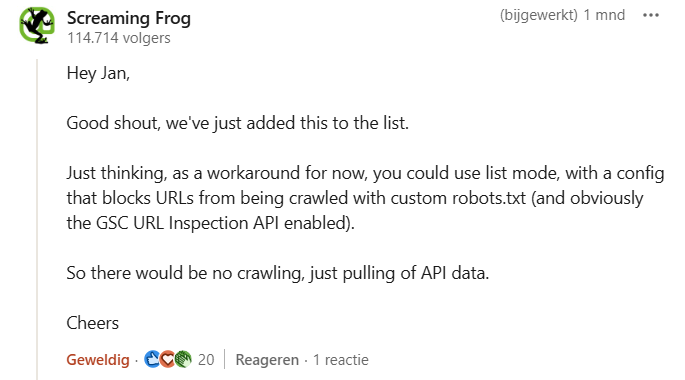
Luckily the Screaming Frog team came with a solution in the original post.
If you set a custom robots.txt (also called virtual robots.txt) with a full Disallow inside, you can request API data via the List Mode. I added a screenshot of the configuration in Screaming Frog below.
You can find the custom robots.txt setting under “Configuration > Crawl config > robots.txt“.
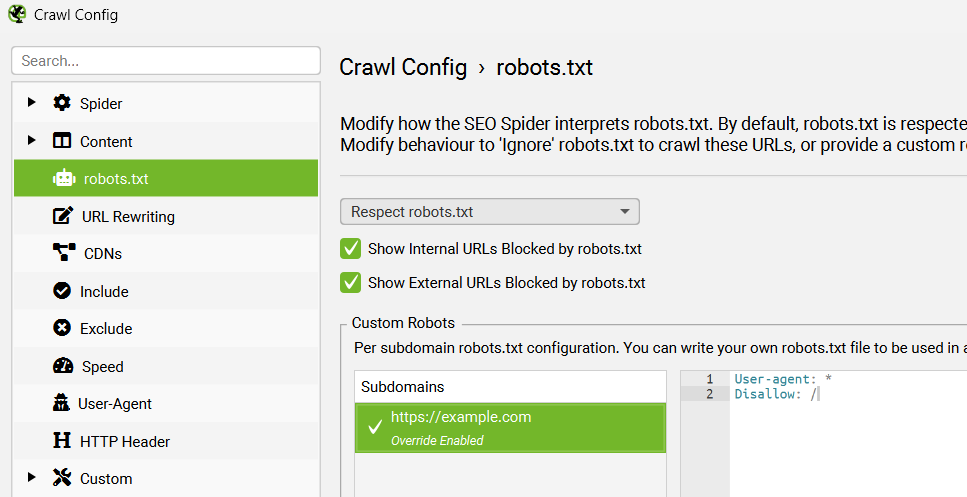
There you have it
And that’s how it’s done.
If you save this crawl configuration to a config file under Profiles you can use it as the configuration in the project you have in the Scheduling section.